

- Operations
How to Migrate Your CPG Inventory System in 5 Simple Steps
By:
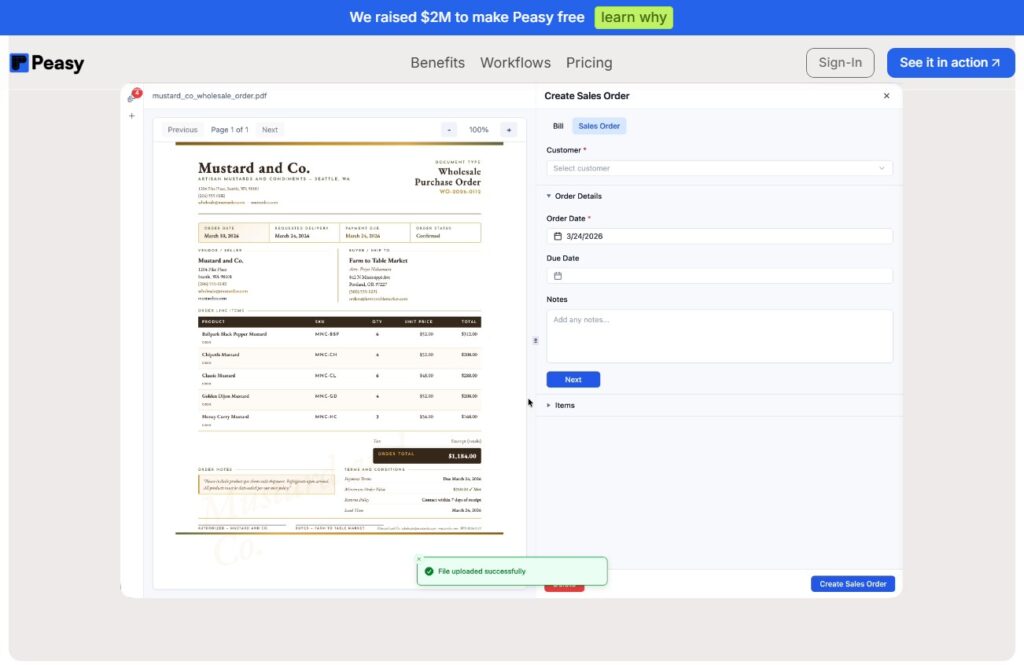
Sponsored by Peasy – the free operating system built by former CPG founders for modern, scrappy teams. Peasy gives CPG brands 100% free access to its full platform, no limits, no credit card, no contracts replacing spreadsheets with one simple system for purchasing, receiving, production, inventory, and sales. You can get started in under 10 minutes with hands-on onboarding support in just one week.
Switching inventory systems can feel overwhelming for CPG founders, especially when years of sales records, production data, and inventory counts live in spreadsheets or outdated platforms. Many founders delay the move because they worry about disruptions, data loss, or the time required to retrain their team.
But the truth is that staying on a broken system often creates more problems than changing it. If your team is spending too much time updating spreadsheets, fixing errors, or double-checking stock manually, your current process may already be slowing down the business.
The good news is that migration does not have to be chaotic. With the right approach, you can transition to a better inventory management system smoothly and without disrupting operations.
Here is a simple five-step process.
Step 1: Audit your current inventory process
Before moving anything, take time to review how your existing process works today. Look at how inventory is tracked, how purchase orders are managed, how production is recorded, and how stock is adjusted after sales or receiving.
This step helps you identify where your biggest problems are. It also keeps you from carrying broken processes into your new system.
What to review
- SKU lists
- supplier records
- inventory counts
- units of measure
- purchase orders
- production workflows
- warehouse or location tracking
- sales order processes
The goal is to understand what needs to be cleaned up, simplified, or improved before the migration begins.
Step 2: Clean your data
A migration is only as strong as the data you bring into the new system. If your old files contain duplicate SKUs, inconsistent naming, incorrect counts, or outdated supplier information, those issues will follow you into the new platform.
Cleaning your data may not be the most exciting part of the process, but it is one of the most important.
Focus on
- removing duplicate entries
- standardizing product names
- verifying supplier details
- checking current inventory counts
- organizing raw materials and finished goods clearly
The cleaner your data is at the start, the easier the rest of the migration will be.
Step 3: Map your workflows
A good inventory system should fit how your business actually operates. That means thinking beyond the import of products and counts. You also need to define how purchasing, receiving, production, and sales should move through the system.
This is where founders can set the foundation for a smoother operation moving forward.
Ask questions like
- How are purchase orders created and approved?
- How is inventory received and checked in?
- How are raw materials used in production?
- How are finished goods added back into inventory?
- How should low-stock alerts or reorder decisions happen?
When workflows are mapped clearly, your team can use the system more consistently from day one.
Step 4: Train your team on the essentials
One common mistake during migration is trying to teach every feature all at once. That usually leads to confusion and low adoption.
Instead, focus your team training on the workflows they use most often. For most CPG brands, that includes receiving stock, creating purchase orders, checking inventory, and supporting production activity.
When the team feels confident using the essentials first, adoption improves naturally over time.
Step 5: Launch with support and review
Once the new system is live, monitor it closely during the first few weeks. This is the time to catch discrepancies, answer team questions, and make sure everyone is following the updated process.
Assign clear ownership internally so someone is responsible for reviewing inventory accuracy, workflow issues, and system adoption during the transition period.
Migration is not just about switching tools. It is about helping the team shift into a more reliable way of operating.
Signs it is time to migrate
If any of these sound familiar, your business may be ready for a new inventory system:
- your team relies too heavily on spreadsheets
- you do not trust your inventory numbers
- purchasing feels reactive
- production planning is inconsistent
- stockouts keep happening
- data is spread across too many tools
At a certain point, the cost of staying on an outdated process becomes higher than the cost of improving it.
Final thoughts
Migrating your inventory system may feel like a big task, but it can be one of the most valuable upgrades a growing CPG brand makes. A smoother system creates better visibility, better decision-making, and less operational stress.
The key is to approach it step by step. Audit the process, clean the data, map the workflows, train the team, and launch with support.
That is how you make the transition without disrupting the business.
If your team is ready to move away from spreadsheets or outdated tools, Peasy is a practical option for CPG brands looking for a simpler way to manage inventory, purchasing, production, and sales. Peasy will even help you migrate to their system for free.
Education Articles